What a post-processor does
The CAM system calculates toolpaths neutrally, without reference to a specific machine. The post-processor translates these paths into the NC code that exactly one machine with exactly one control understands, for example Heidenhain conversational or G-code for Siemens or Fanuc.
This is about far more than syntax. The post-processor knows the machine kinematics, calculates rotary axis positions for 5-axis machining, chooses between several possible solutions and outputs tool changes, coolant, spindle, cycles and tilting commands the way the machine expects them.
Typical problems with poor post-processors
- Rotary axes travel unnecessarily long ways or flip 180° just before the target.
- Limit switches are hit and the program stops in the middle of machining.
- Rapid moves travel through the fixture.
- Cycles and control functions are used incorrectly or not at all.
- The operator has to edit the program at the machine by hand, every time.
Simulation: CL data or NC code?
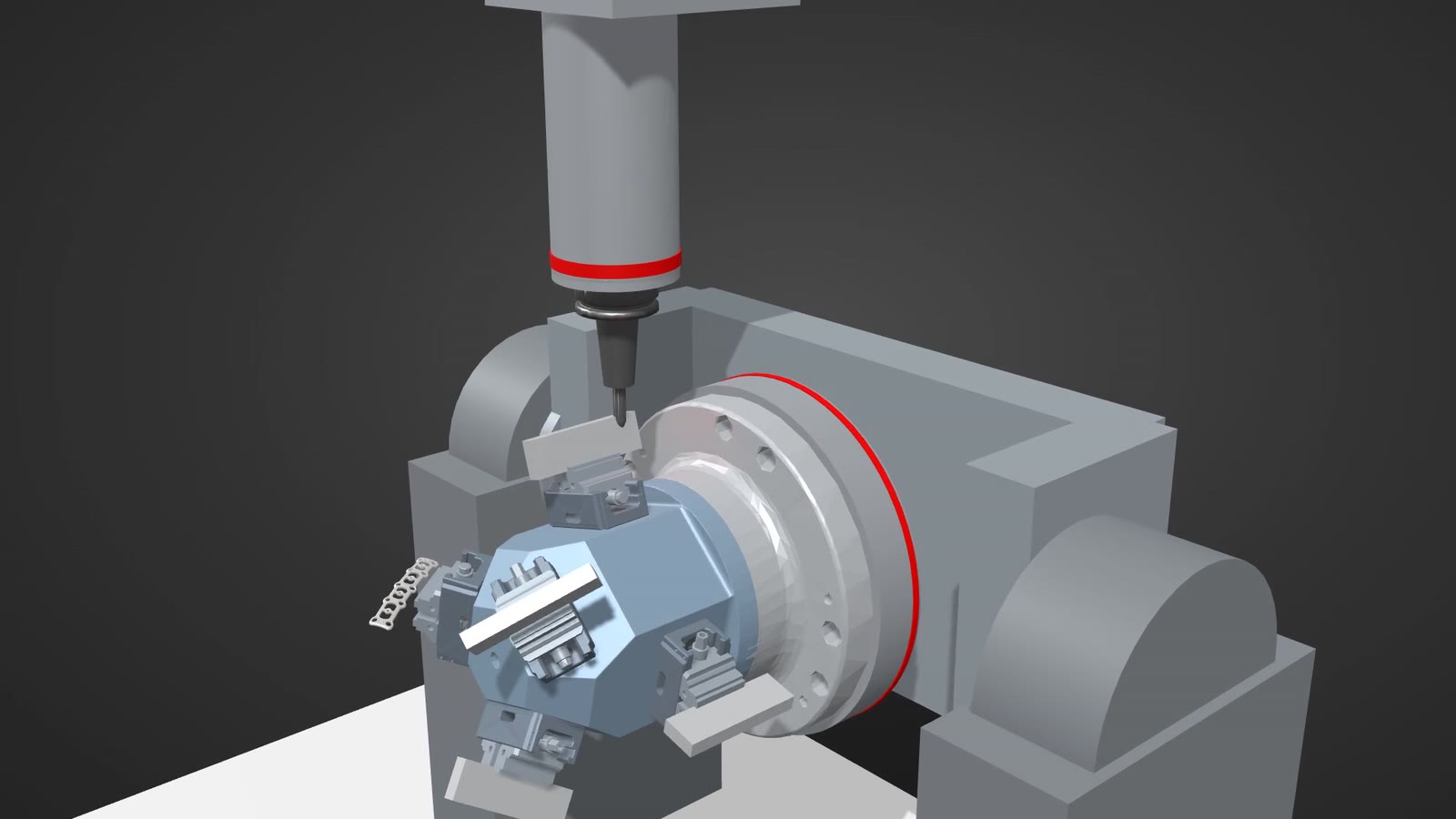
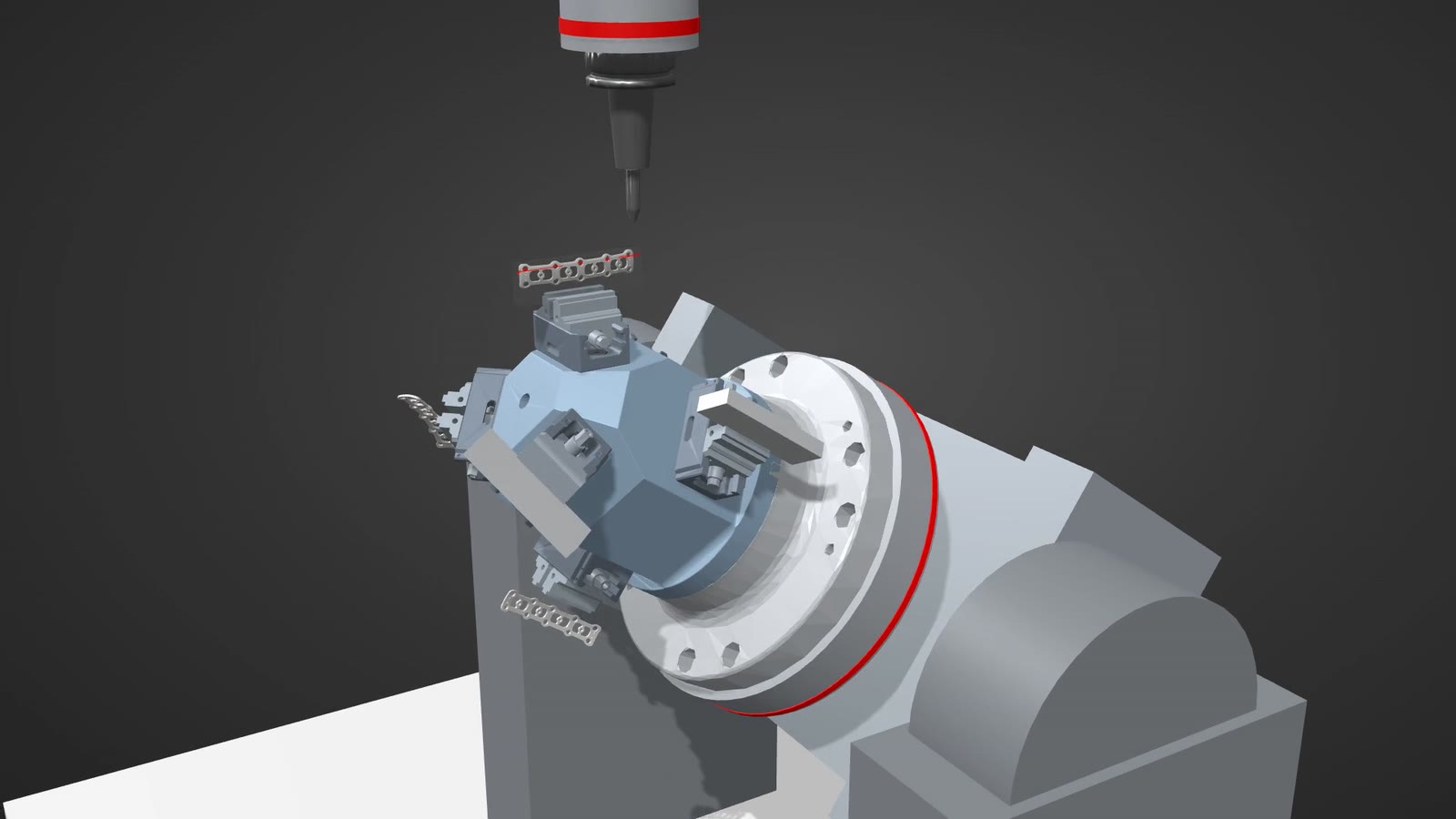
Many CAM systems simulate the calculated toolpaths. That shows whether the tool works correctly on the part. What the machine will really do is only shown by a simulation that runs the final NC code on a digital model of the machine, including fixtures, tool holders and axis limits.
| Check | CAM toolpath simulation | NC code machine simulation |
|---|---|---|
| Tool and part | yes | yes |
| Holder and fixture | partly | yes |
| Machine components | no | yes |
| Axis limits and limit switches | no | yes |
| Moves between toolpaths | partly | yes, as programmed |
What this brings on the shop floor
- Less prove-out time: the program runs on the first part instead of block by block at reduced feed.
- No crashes: collisions show up on screen, not at the spindle.
- More unattended running: if you trust the program, you let the machine run overnight.
- Less operator dependency: the program is finished when it reaches the machine.
What it takes
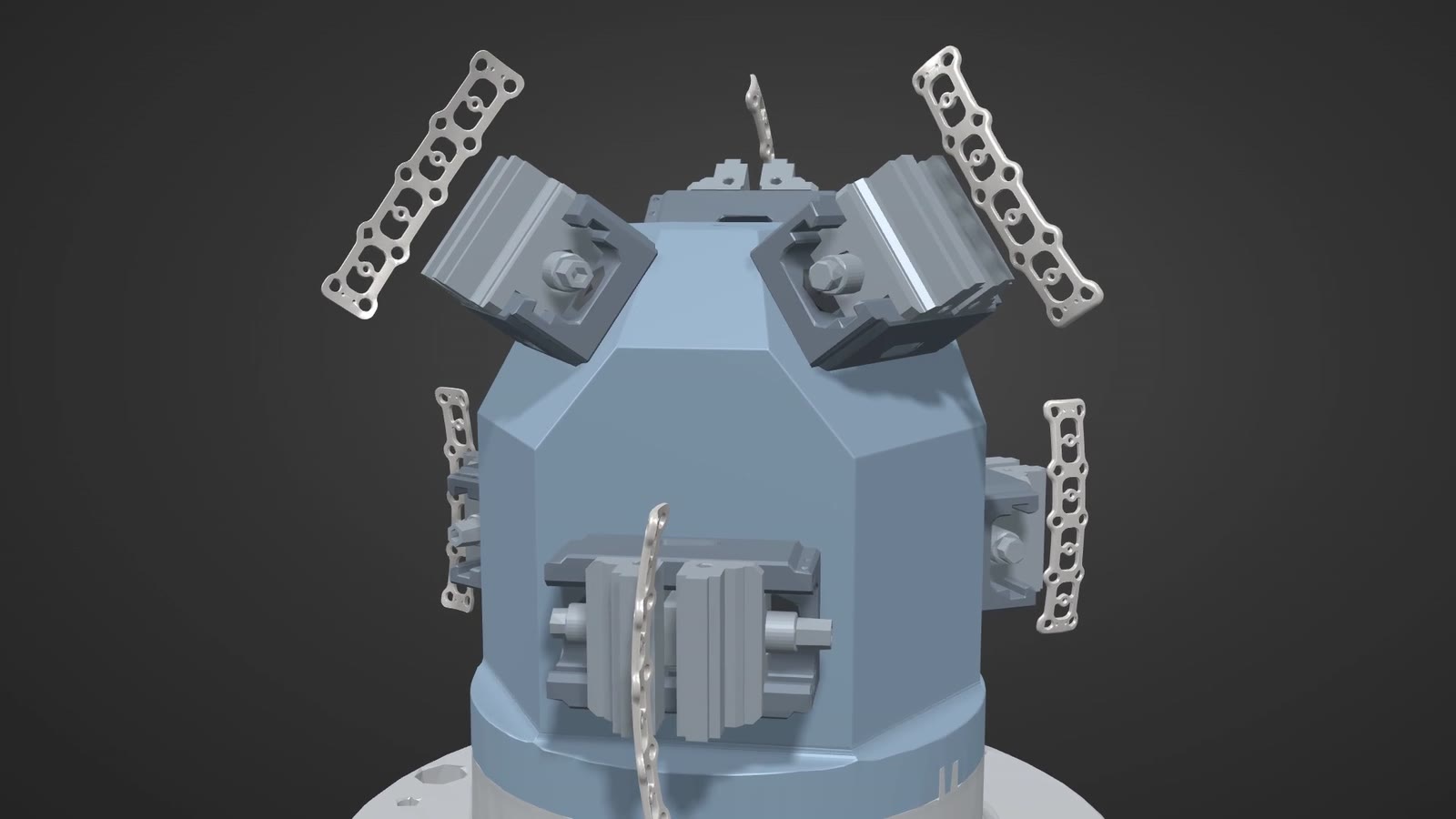
A post-processor and a machine model that match the real machine: kinematics, axis limits, control options, tool changer and table. Plus a realistic model of fixtures and tool holders. Building this data properly once is the most important step towards NC programs that run on the first part.
Frequently asked questions
Can I just use the CAM vendor's post-processor?
As a starting point, yes. For a specific machine it almost always needs adjustments to kinematics, control options and the way your shop works.
Is the graphics simulation on the control enough?
The control graphics show the toolpath but usually know neither the fixtures nor all machine components. A machine simulation in CAM checks the complete scenario before output.
Which controls are post-processors available for?
For all common controls, such as Heidenhain, Siemens and Fanuc. What matters is that the post-processor is tuned to the specific machine.